Claude for business: your whole stack inside one Claude window
Every tool your team works in, wired into one Claude window. Type what you want and the CRM, inbox, calendar, files and accounts do it. Our flagship, and the one service no competitor we audited sells.
One window, every job
Six things the chat window now does, all of them ours. None of the ten firms in our competitor research sells this.
- Ask across every system at onceOne question reads the CRM, the inbox, the accounts and the files, and answers from the record as it stands this minute.
- Draft and send from the threadReplies, client updates and proposals written from the live record, in your voice, sent from your own inbox.
- Reports without the exportFigures pulled from the source, charted and summarised, in the time it takes to ask the question.
- Book, log and file as you goCalls booked, notes logged, deals moved, documents filed. Said once, done properly, in the right system.
- Standing jobs, on a clockThe Monday pipeline review, the daily inbox triage, the month-end pack. Set once, delivered every time without being asked.
- Your accounts, your loginsEvery connection runs through your own credentials, scoped to what it needs. Read only until you decide otherwise.
What we wire in
Every system with an API, and routes for the ones without. Connected in your own accounts, scoped to what each connection needs.
- HubSpot
- Salesforce
- Gmail
- Google Calendar
- Google Drive
- Google Sheets
- Microsoft 365
- Slack
- Notion
- Xero
- Stripe


- Claude
- MCP


Claude is the window your team talks to. MCP is the open standard that connects it to your tools, and the reason this is a build rather than a research project. This site was built the same way.
You type. It happens.
Four ordinary jobs. What you type is the whole interaction, and what comes back is the finished thing.
You type“Where are we with this client, and draft a reply to their last email”
It doesReads the CRM, the accounts and the thread. The reply is waiting in your drafts, in your voice, with the numbers right.
You type“Compare last month to the three before it and tell us what changed”
It doesPulls the figures from the source, charts them and writes the summary. No export, no spreadsheet.
You type“What did we agree about out-of-hours cover, and where is it written”
It doesSearches Drive, Notion and Slack, quotes the line and links the document it came from.
You type“Draft this week’s update for every active client from their project records”
It doesOne sentence, every update, each built from its own records and ready to send.
Fixed price, in your name
Quoted before anything starts. One fixed price to build.
Everything runs in your own accounts under your own name, so nothing of ours needs switching off if we ever part ways. Where the read-write gate sits is your setting, never our ceiling.
The day-to-day, all of it automated
Fourteen jobs a specialist does by hand. The run does every one, on a schedule, inside the tools you already use. You see the results, not the work.
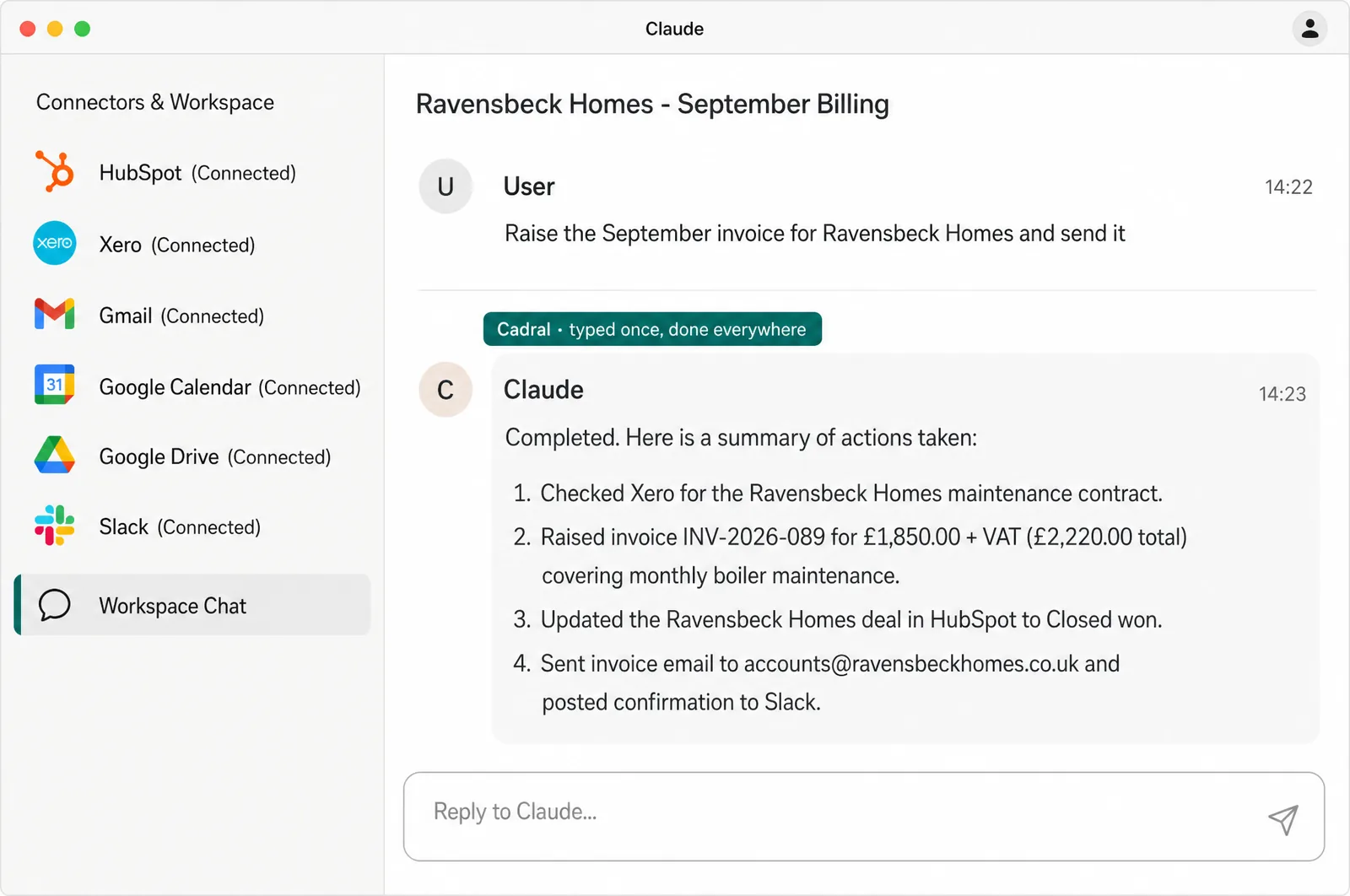
- Customer records updated automatically after every sales call
- Invoices created and posted from simple chat commands
- Emails sorted and drafted based on customer context
- Weekly performance reports generated and emailed to directors
- Calendar events scheduled with background notes attached
- Client documents summarised and saved to correct folders
- Unpaid accounts flagged and reminder emails drafted
- New leads assigned and welcome emails sent instantly
- Contract details extracted and logged into central database
- Supplier orders tracked with stock level warnings raised
- Staff leave requests processed and calendar updated smoothly
- Meeting action items extracted into tracked task lists
- Expense receipts scanned and matched to bank transactions
- Support queries categorised with suggested replies drafted
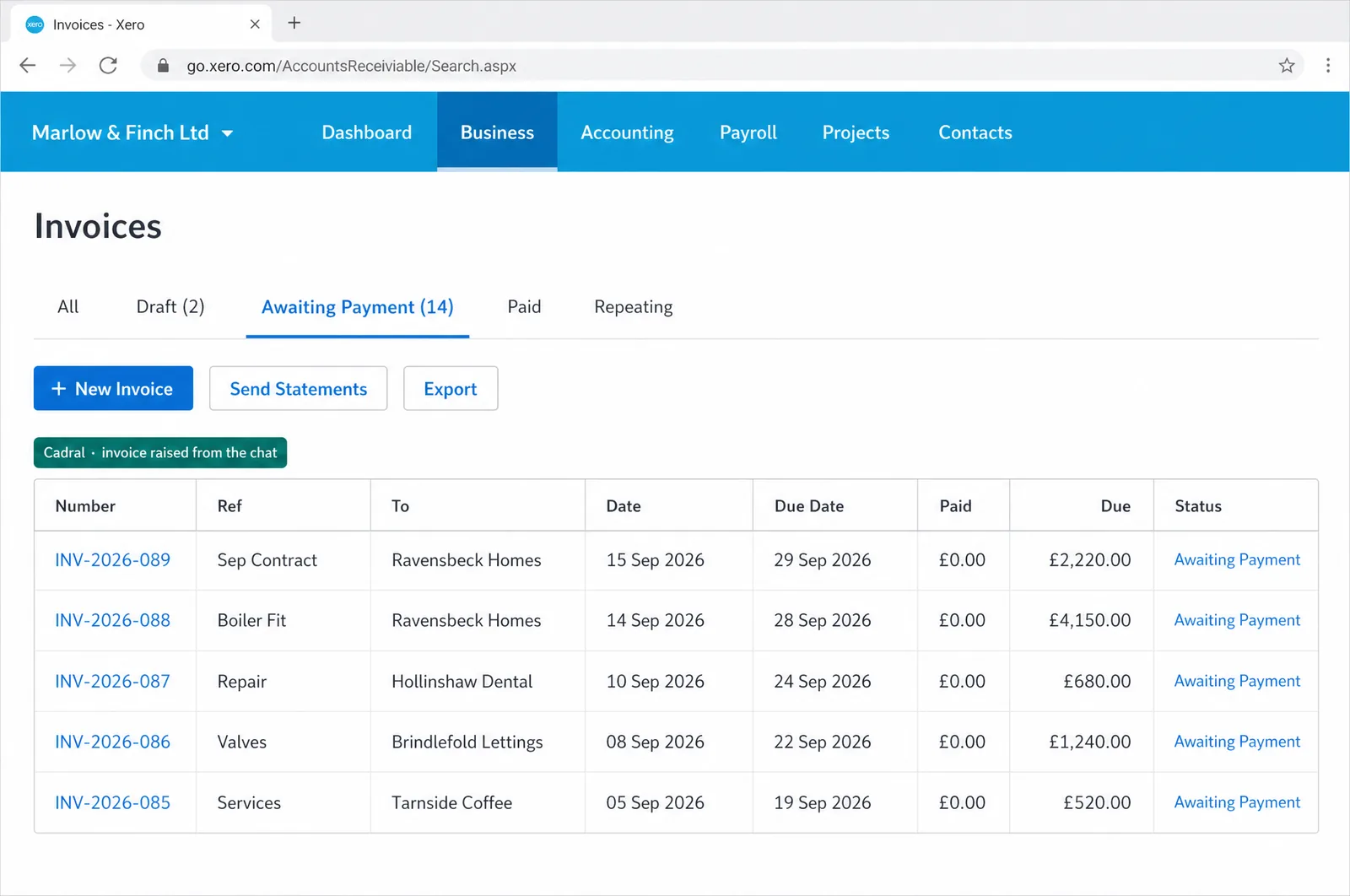
Illustrations of the tools in use, drawn for this page for an example business, Marlow & Finch. Every figure in them is an example, not a client's data, and any person in them is generated. Tap a picture to open it full size.
- ClaudeThe one window
- HubSpotWired in
- XeroWired in
- GmailWired in
- Google CalendarWired in
- SlackWired in
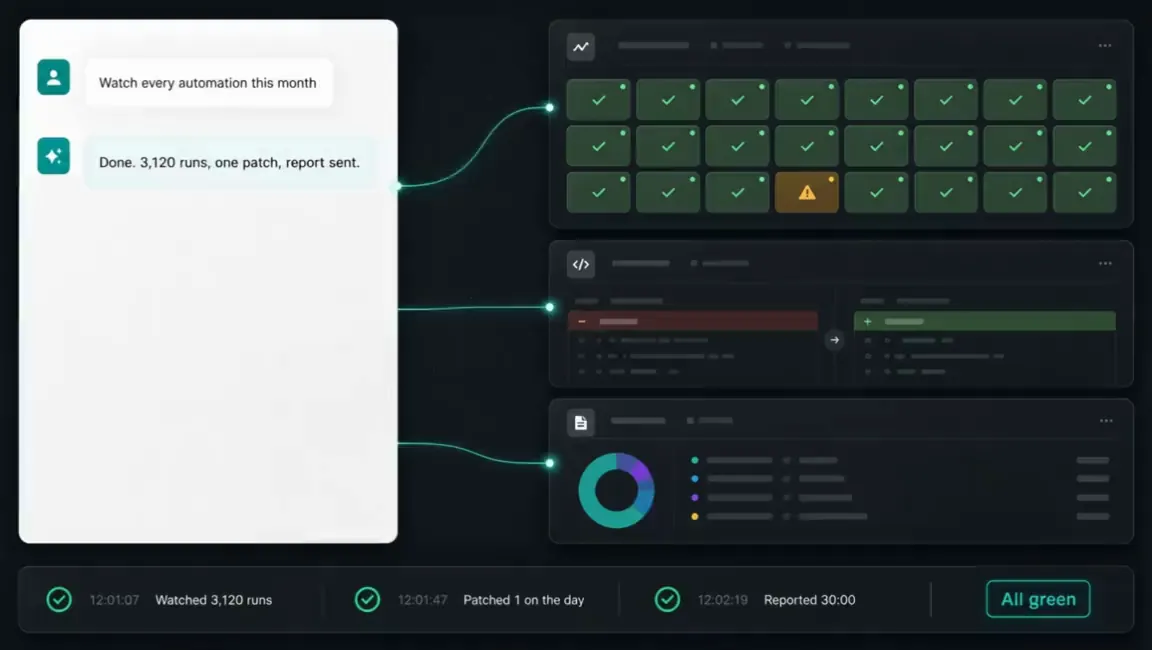
The night shift
Nobody in the building. This is the job doing itself at eleven at night, and what you see in the morning.
Questions we get asked about this
- Is this just ChatGPT with our documents uploaded?
- No. Uploading a document gives a model a snapshot of what you pasted. This connects Claude to the live systems, so it reads the record as it stands this minute and writes back to it: asking about an invoice queries the accounts, and “log that call” creates the record.
- What is MCP, in plain terms?
- An open standard for connecting a model to tools and data. Before it, every connection was a bespoke integration, which is why they were expensive and why they broke. With it, wiring in a system is closer to installing a driver, and because the standard is open, nothing we build is locked to one supplier.
- Can it change things, or only read them?
- Both, and the split is yours to set per system. A first build reads everything and writes nothing, and writing is opened where it is obviously useful, when you say so. Anything irreversible or financial keeps an explicit confirmation step permanently.
- Do our team need to be technical?
- No. The interface is a conversation, which is the one interface nobody needs training on. We show your team what it can reach and how to ask well, and that takes an afternoon rather than a course.
- What do you need from us?
- The brief, the brand and the access: what you want it to do, how you sound, and logins to the systems it should reach, read only to begin with if you prefer. Everything after that is us.
Got a question the list did not answer? Ask it on a call, or send us the brief and we will come back with a fixed price.
What usually gets built alongside it
This is the layer the rest sits on. Once your systems answer from one window, every other automation on this site gets cheaper to build.
Tell us the job. We will tell you the price.
Twenty minutes and a fixed quote in writing. You bring the brief and the brand. Everything after that is us.
Not ready to talk? Run your own numbers on fifteen free tools, no email asked.
Elsewhere on this site
Each service is its own page. Pricing, the FAQ, the Manchester company page, the free tools and the blog sit alongside them.
Services
- SEO automation
- Content production
- Social media automation
- Brand and video production
- Paid ads automation
- Email marketing automation
- Lead qualification
- CRM automation
- Outbound automation
- AI voice agents, outbound
- Proposals and quotes
- Inbound automation
- AI chat widget
- AI voice agents, inbound
- WhatsApp and SMS
- Document processing
- Invoicing and payment chasing
- Reporting and dashboards
- Scheduling and onboarding
- Recruitment and HR
- Website design and build
- Custom software and apps
- AI agent development
- System integration
- Knowledge base and search
- Your whole stack, inside Claude
- Team training and upskilling
- AI strategy and roadmap
- Support and maintenance
