Managed automation support and maintenance
Everything we build for you, watched on every run, patched the day something changes underneath it, and reported back every month. You never have to be the one who notices.
Watched, patched and reported, every month
Six things we do to everything already live in your business. None of them needs a ticket from you.
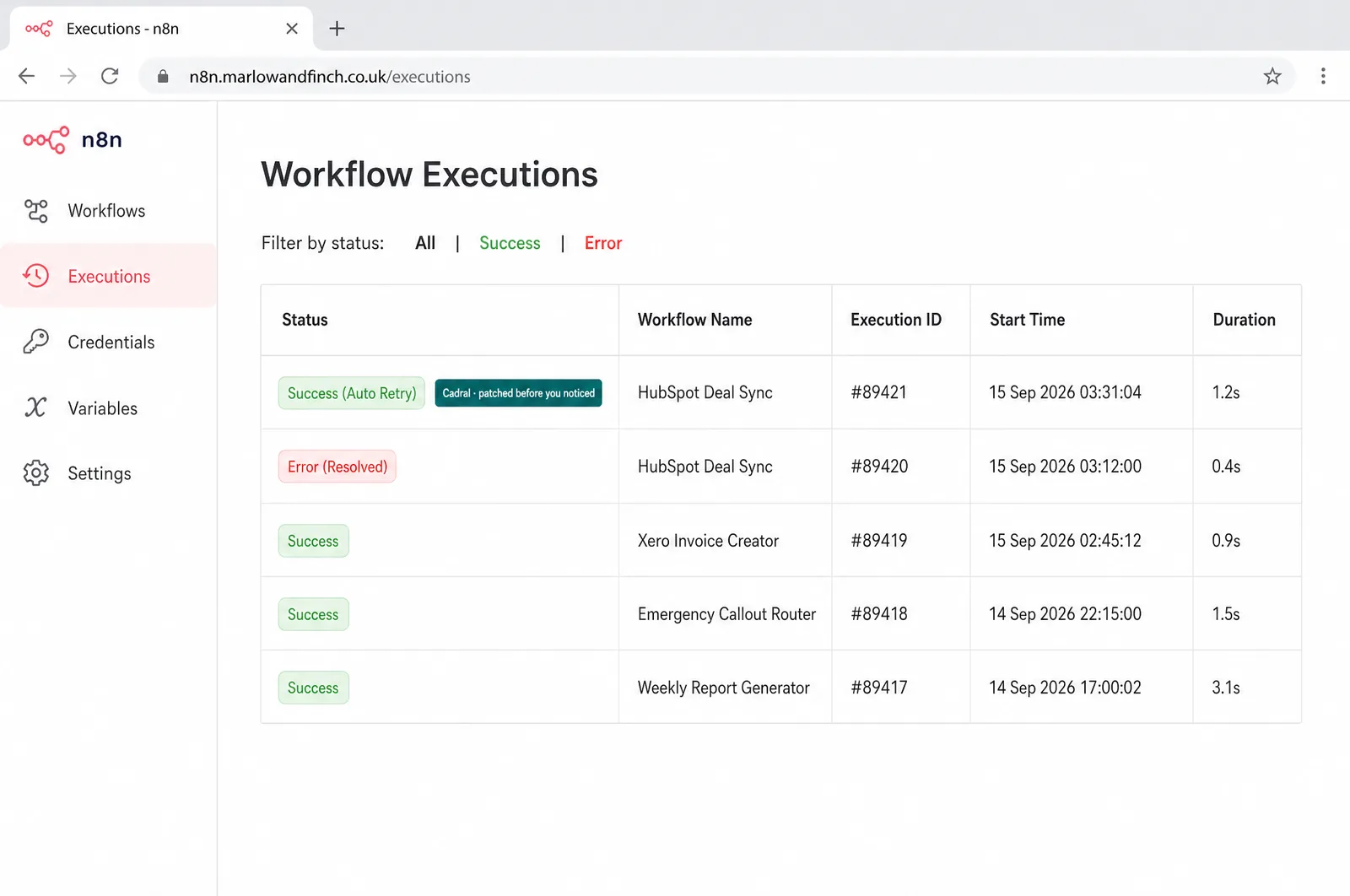
- Every run checked, every failure loudA heartbeat and a reconciled count on every automation. Forty records where there should be four hundred stops the run and alerts your Slack.
- API changes absorbedA field renamed, a version retired, a response reshaped. We patch it, and you read about it in the monthly note.
- Credentials kept liveExpiries are tracked and renewed ahead of time. When someone leaves, the integrations that ran under their login are moved, not lost.
- Your business changes, it followsA new product, a new pipeline stage, a rule that stopped being true. Small changes go in as part of the arrangement; a new build is quoted in writing first.
- Scaled when volume growsWhat ran at forty a day is re-tuned for four hundred: rate limits, timeouts and running costs handled before your best month hits them.
- A monthly note, ten minutes to readWhat ran, what it processed, what broke, what changed and why. The record you judge us on.
How the arrangement works
A fixed monthly figure, agreed before it starts.
It covers the watching, the patching and the small changes across everything already live, and it runs in your accounts under your name. Thirty days’ notice both ways, no minimum term, and ending it never breaks what you already paid for.
- n8n
- Make
- Zapier
- HubSpot
- Slack
- Gmail
- Sheets
- Notion
- GitHub
- Vercel
- Supabase
- Claude


Connected through your own accounts. We hold the runbooks and the access you grant, nothing else.
Where you stay in control
Support runs without you. These four things stay in your hands, by design.
What you see
Alerts as they happen and the monthly note. Nothing is fixed in the dark.
What you decide
Which failures wake somebody at 2am and which wait until morning. Set per automation, changed whenever you like.
What you keep
The accounts, the logins, the runbooks and the reasoning behind every change. Nothing is built so that only we can run it.
What you can stop
The arrangement, on thirty days' notice, with a handover. Everything you paid for keeps working.
The day-to-day, all of it automated
Fourteen jobs a specialist does by hand. The run does every one, on a schedule, inside the tools you already use. You see the results, not the work.
- Automated workflows monitored around the clock for failures
- Broken system connections repaired instantly after software updates
- Data copy errors resolved before impacting daily operations
- System updates tested in advance to prevent downtime
- Monthly performance reports issued detailing overall active time
- Security credentials rotated regularly to protect sensitive data
- Automation execution logs audited for speed and efficiency
- Usage limits monitored to prevent unexpected software bills
- Minor workflow adjustments made based on user feedback
- Backup systems verified monthly to ensure data recovery
- Error notification alerts configured for immediate escalation handling
- Work volume analysed to eliminate operational bottlenecks
- Quarterly health checks performed on all active integrations
- Software subscriptions optimised based on actual usage
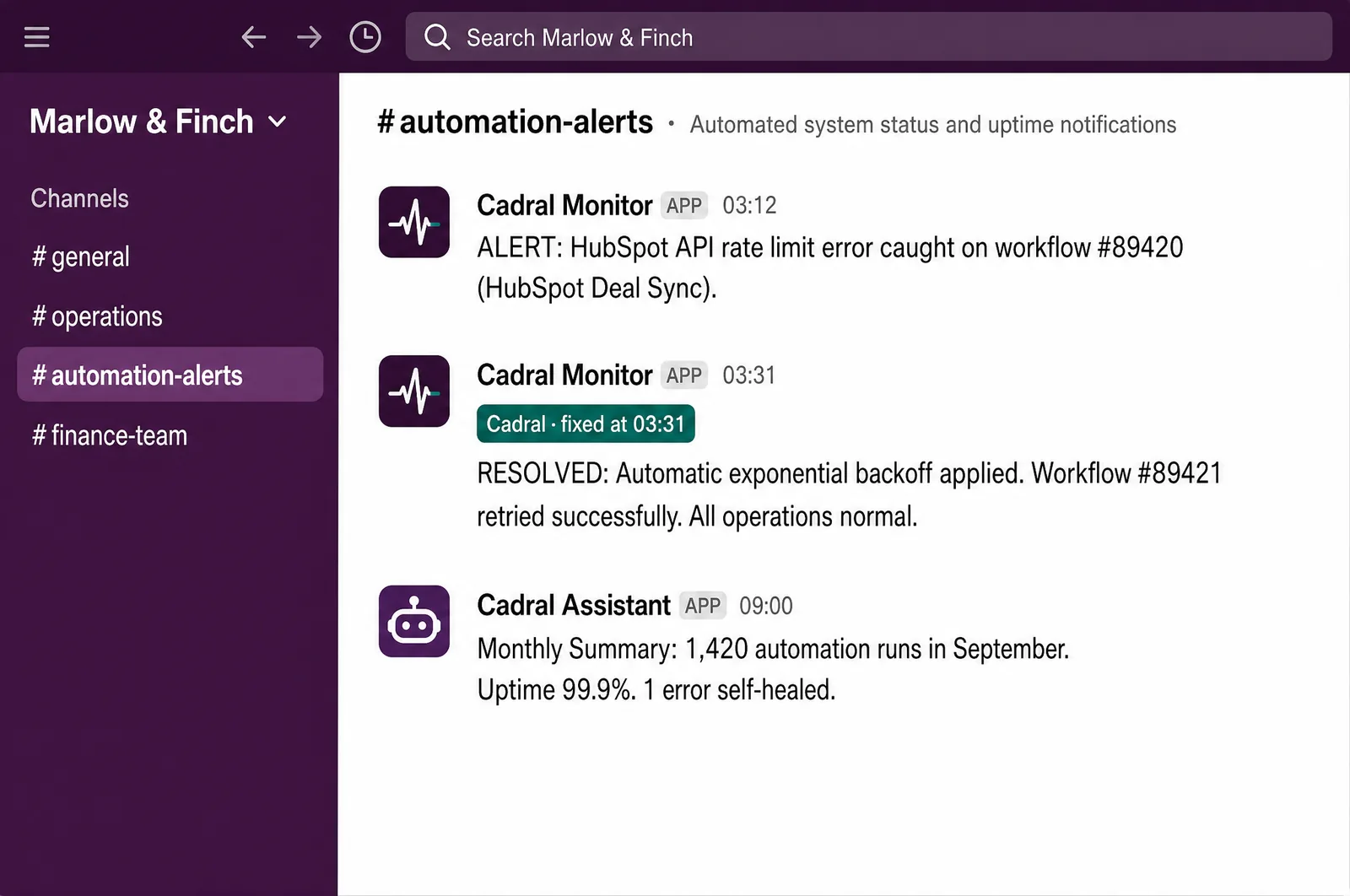
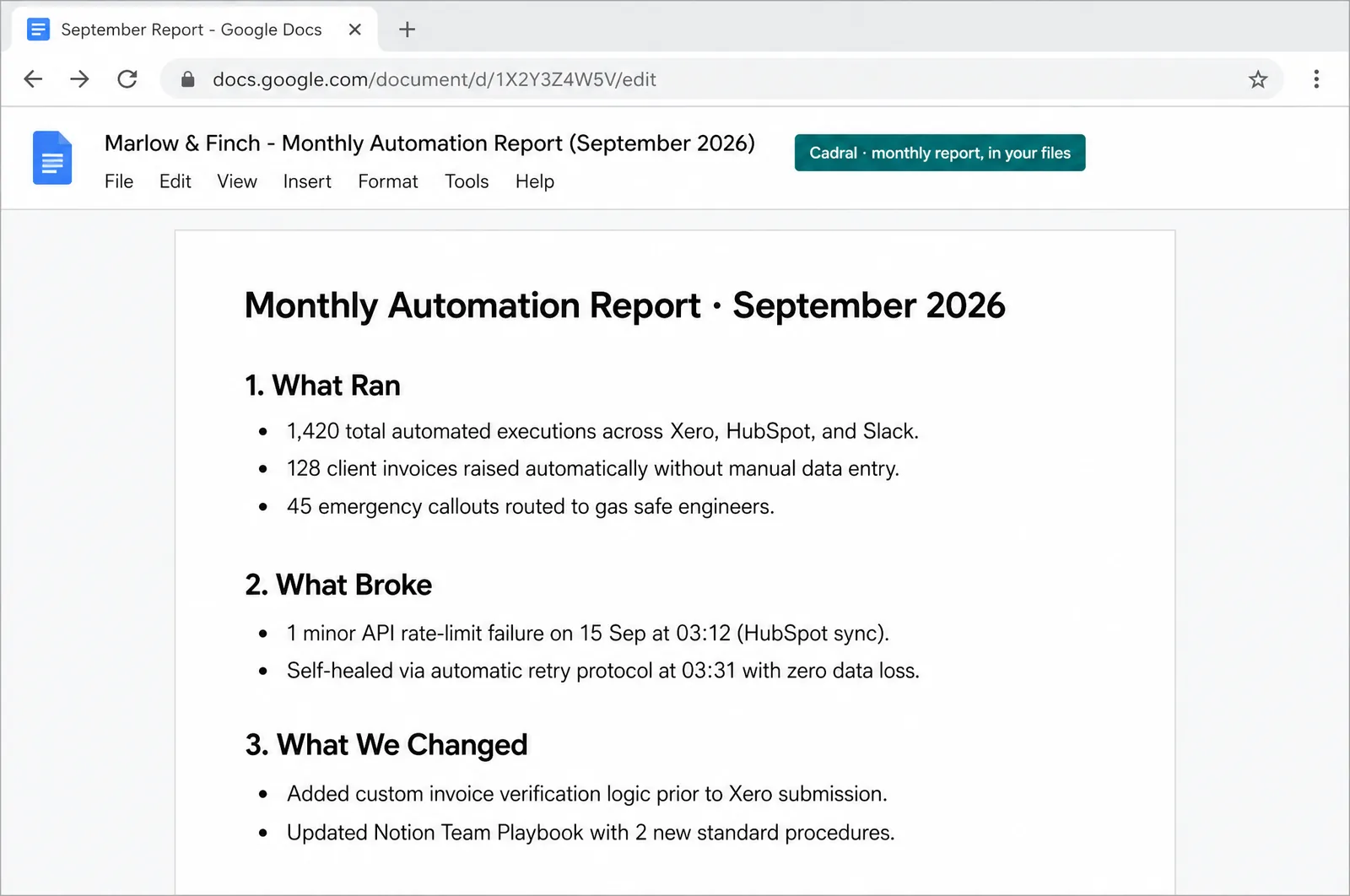
Illustrations of the tools in use, drawn for this page for an example business, Marlow & Finch. Every figure in them is an example, not a client's data, and any person in them is generated. Tap a picture to open it full size.
- n8nEvery run watched
- SlackAlerts and the monthly note
- Better StackUptime, checked every minute
- GitHubEvery fix on record
- Google DocsThe monthly report, in your files


The night shift
Nobody in the building. This is the job doing itself at eleven at night, and what you see in the morning.
Questions we get asked about this
- What happens when something breaks at 2am?
- It stops and it tells us. Every automation is built to fail loudly, so a broken run raises an alert instead of carrying on and producing wrong results until morning. Which alerts wake somebody and which wait is set with you per automation: an overnight report can wait, an inbound booking line cannot.
- How often does anything actually need doing?
- Most months. APIs change, tokens expire, a rule in your business stops being true and volume climbs, and each of those lands as a small fix on the day because the watching is continuous. The alternative is not zero cost, it is a bigger job later plus the weeks it was quietly wrong.
- Can our own team take some of this on?
- Yes, and it is built so they can. The runbooks are written for your people, team training covers the rest, and the arrangement shrinks to fit whatever your team takes on.
- Does it cover things you did not build?
- Yes. An automation someone else built, or one your team put together in Zapier or Make, comes under the same watch. We read it, document it, add the heartbeat and the alerts, and from then on it is treated like everything else.
- What do you need from us?
- The brief, the brand, and access to the systems that need watching. Everything after that is us.
Got a question the list did not answer? Ask it on a call, or send us the brief and we will come back with a fixed price.
What usually gets built alongside it
Support covers everything we build. These are the builds it most often sits behind.
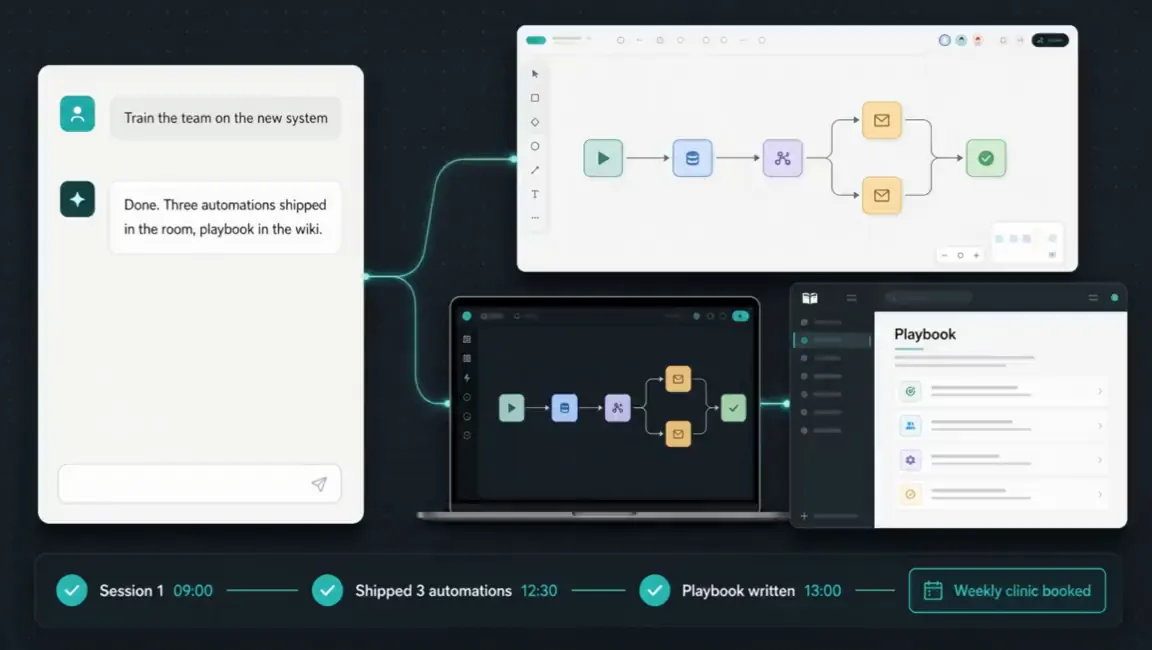
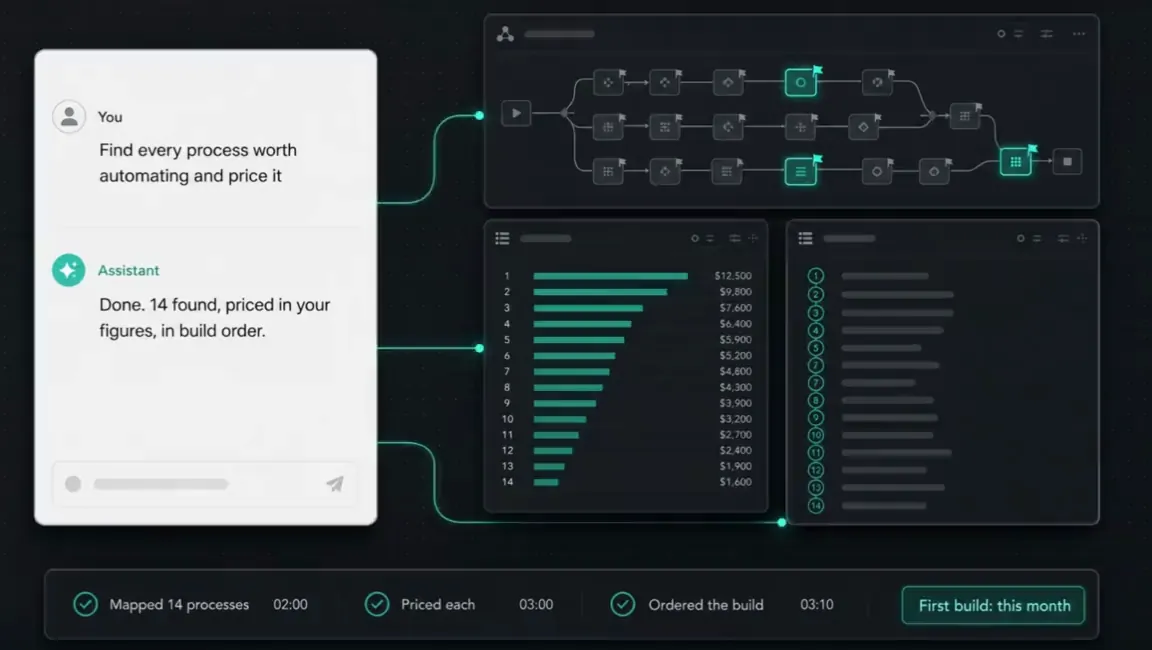
Tell us the job. We will tell you the price.
Twenty minutes and a fixed quote in writing. You bring the brief and the brand. Everything after that is us.
Not ready to talk? Run your own numbers on fifteen free tools, no email asked.
Elsewhere on this site
Each service is its own page. Pricing, the FAQ, the Manchester company page, the free tools and the blog sit alongside them.
Services
- SEO automation
- Content production
- Social media automation
- Brand and video production
- Paid ads automation
- Email marketing automation
- Lead qualification
- CRM automation
- Outbound automation
- AI voice agents, outbound
- Proposals and quotes
- Inbound automation
- AI chat widget
- AI voice agents, inbound
- WhatsApp and SMS
- Document processing
- Invoicing and payment chasing
- Reporting and dashboards
- Scheduling and onboarding
- Recruitment and HR
- Website design and build
- Custom software and apps
- AI agent development
- System integration
- Knowledge base and search
- Your whole stack, inside Claude
- Team training and upskilling
- AI strategy and roadmap
- Support and maintenance
