Invoice automation and payment chasing, in your words
Every invoice raised the day the work finishes, every payment matched as it lands, every late one chased politely in your words until it is paid. You bring the brief and the brand. Everything after that is ours.
The whole billing cycle, run for you
Six jobs, all of them ours, at a fixed price quoted before anything starts. You bring the brief and the brand.
- Raised from the workBuilt from the timesheet, the project tool or the CRM deal, the day the work finishes. No invoice waits for someone to remember it.
- Sent from your domainPDF, PO number, bank details and the right contact, in your template, on your letterhead.
- Matched as payments landEvery payment in the bank feed matched to its invoice, so the ledger is right every morning, not every Friday.
- Chased on a scheduleFive rungs, from a friendly heads-up before the due date to a firm final notice, all in your words.
- Escalated to a personAt fourteen days it goes to a named person on both sides, and to you, with the full file attached.
- Reported in numbers you can checkOutstanding, overdue, debtor days and who pays late every time. One view, always current.
The chase, on a schedule
Five rungs, escalating, each one checked against the bank seconds before it sends. The tone is yours, written once with you and approved before the first reminder goes out.
Three days before due
A heads-up that it is coming. No ask, no pressure, and it prevents a surprising amount of lateness on its own.
The day after due
Short and factual. Assumes it was missed rather than refused, because it almost always was.
Seven days late
Firmer. The invoice attached again and a direct question about when it will be paid.
Fourteen days late
Escalated to a named person on both sides, and flagged to you rather than sent silently.
Beyond that
Your decision, with the whole file ready: every message, every date, the sum outstanding. How firm the ladder gets, and where it stops, is a setting you choose.
Reads the bank. Never touches it.
The worst a fault can ever do here is send a wrong email.
Nothing here moves money: the bank connection is a read-only open banking feed, and the accounting connection writes invoices and reminders, never payments. A wrong email is a two-minute fix, a wrong transfer is a call to the bank, and this is built so only the first is possible.
- Read-only by constructionThe open banking feed can see what landed. It cannot send anything anywhere.
- Checked before every sendEvery reminder reconciles against the bank first. Nobody is chased for money that arrived yesterday.
- Your software, your nameXero, QuickBooks, Sage or FreeAgent, connected under your own logins. Nothing of ours to switch off if we ever part ways.
- No key that could payNothing in the build holds a credential that can move funds. An architectural choice, not a setting.
- Xero
- QuickBooks
- Sage
- FreeAgent
- Stripe
- HubSpot
- Sheets
- Gmail
- Slack
- n8n
- Claude


All of it runs in your own accounts, under your own logins. The build is one fixed price, quoted in writing before anything starts.
The day-to-day, all of it automated
Fourteen jobs a specialist does by hand. The run does every one, on a schedule, inside the tools you already use. You see the results, not the work.
- Draft invoices generated automatically when work completes
- Recurring invoices scheduled and sent on due dates
- Credit checks performed automatically before onboarding new accounts
- Bank accounts monitored daily for customer payments
- Payment receipts matched against outstanding sales invoices
- Polite reminders sent before the due date
- Firm payment demand notices triggered for overdue balances
- Payment plans created and tracked for credit customers
- Credit notes issued and applied where agreed
- Direct Debit runs prepared for your approval
- Debtor lists reviewed weekly to spot risky accounts
- Customer payment queries sent to account managers
- Monthly customer statements generated and emailed out
- Bad debt risk reports compiled for management
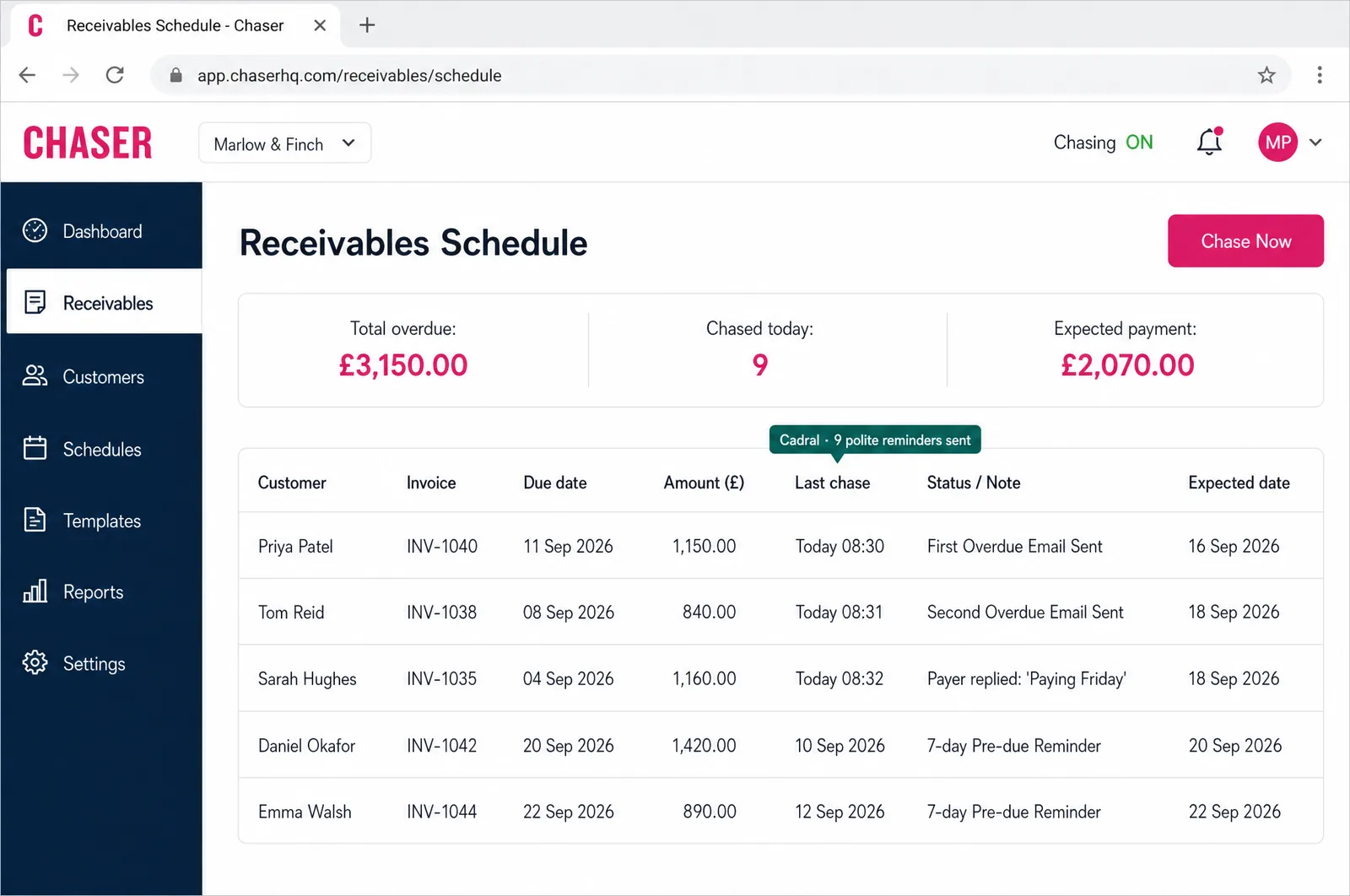
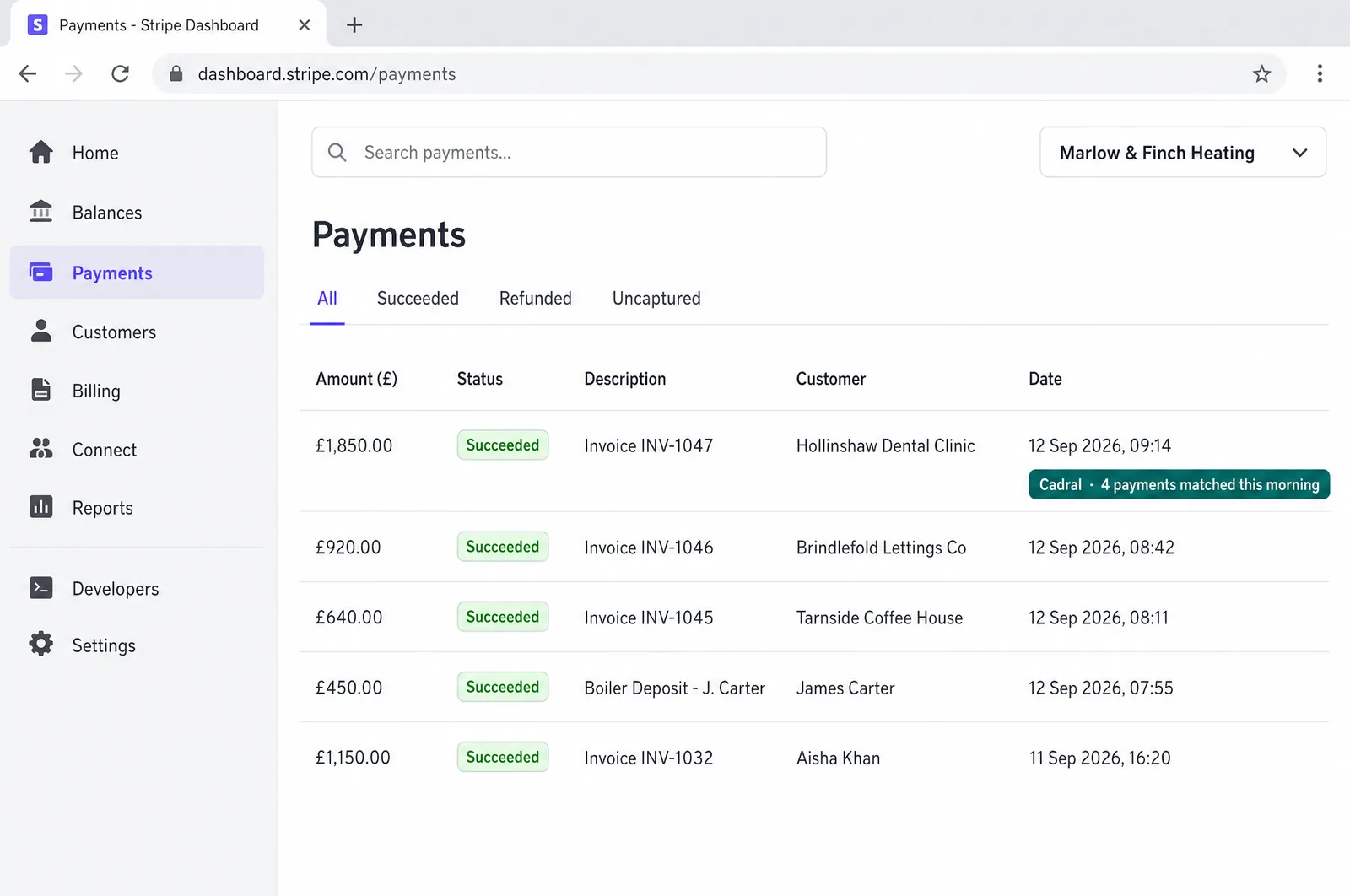
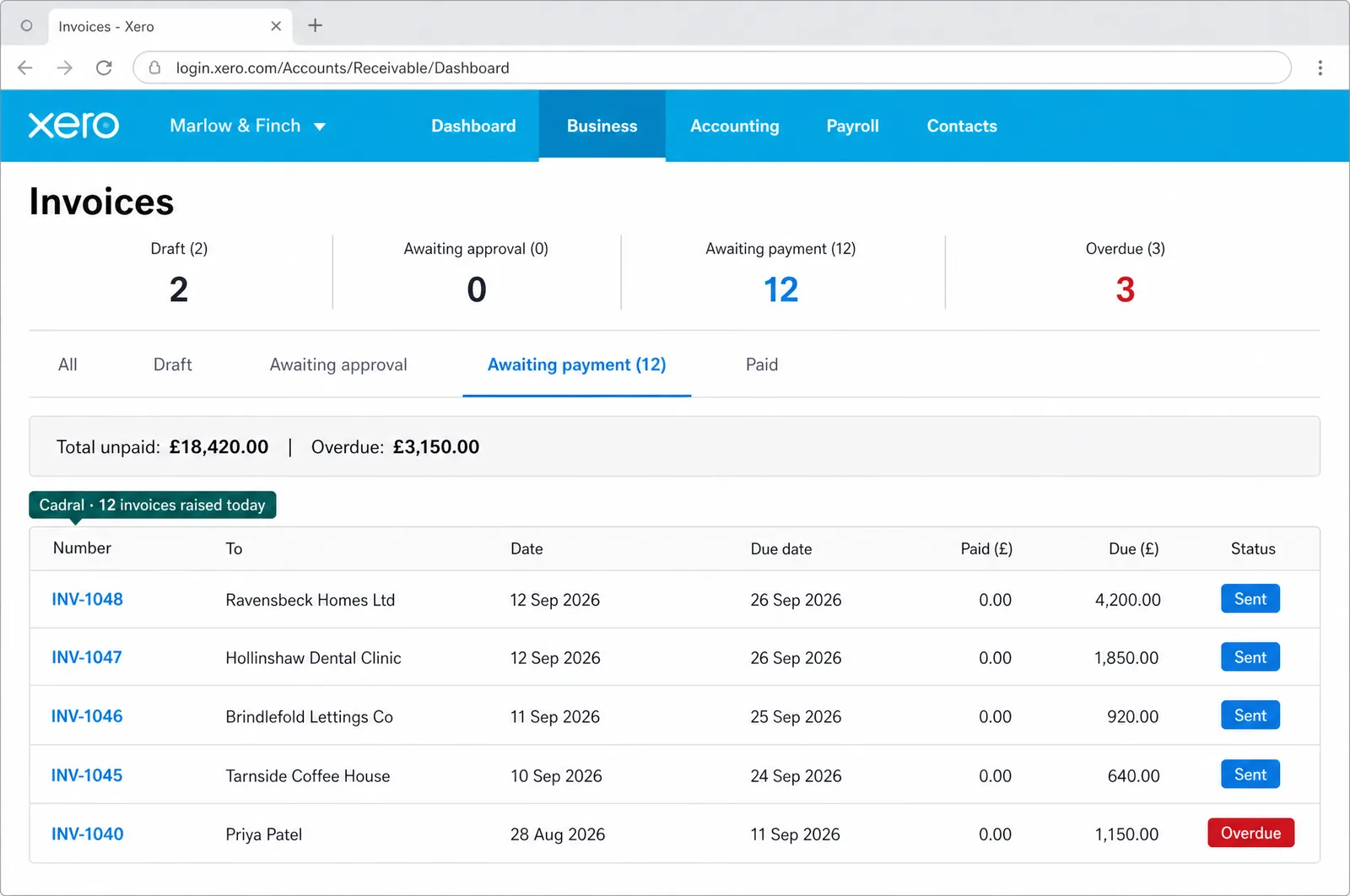
Illustrations of the tools in use, drawn for this page for an example business, Marlow & Finch. Every figure in them is an example, not a client's data, and any person in them is generated. Tap a picture to open it full size.
- XeroInvoices raised and payments matched
- QuickBooksSame job, QuickBooks shops
- ChaserPolite chasing, in your words
- StripeCard payments against invoices
- GmailReminders from your own address
The night shift
Nobody in the building. This is the job doing itself at eleven at night, and what you see in the morning.
Questions we get asked about this
- Will this annoy our customers?
- No. Reminders that are polite, correctly timed and evidently systematic annoy people far less than what most firms actually run, which is six weeks of silence followed by an awkward call from a director. The tone is yours, written once and approved before anything sends, and every message is checked against the bank first.
- What if they have already paid?
- Then nothing sends. Every reminder reconciles against the live bank feed immediately before it goes, not against a spreadsheet updated on Fridays. Check first, send second, never the reverse.
- Does it work with our accounting software?
- Yes. Xero, QuickBooks, Sage, FreeAgent and Stripe all connect through your own logins, and the bank side is a read-only open banking feed. Whatever records the work, a timesheet, a project tool or a CRM, connects too, so the invoice is raised from the record rather than typed from memory.
- Can it raise the invoice as well as chase it?
- Yes, and for firms billing time or milestones it is usually the bigger win. The invoice is assembled from whatever records the work and sent the day the work finishes, so the clock starts straight away. A lot of lateness begins as a bill that went out a fortnight late.
- What do you need from us?
- The brief: who you bill, on what terms, and how firm you want the chasing to be. The brand: your tone, your templates, your letterhead. Access to your accounting software and bank feed, which stay in your name. Everything after that is us.
Got a question the list did not answer? Ask it on a call, or send us the brief and we will come back with a fixed price.
What usually gets built alongside it
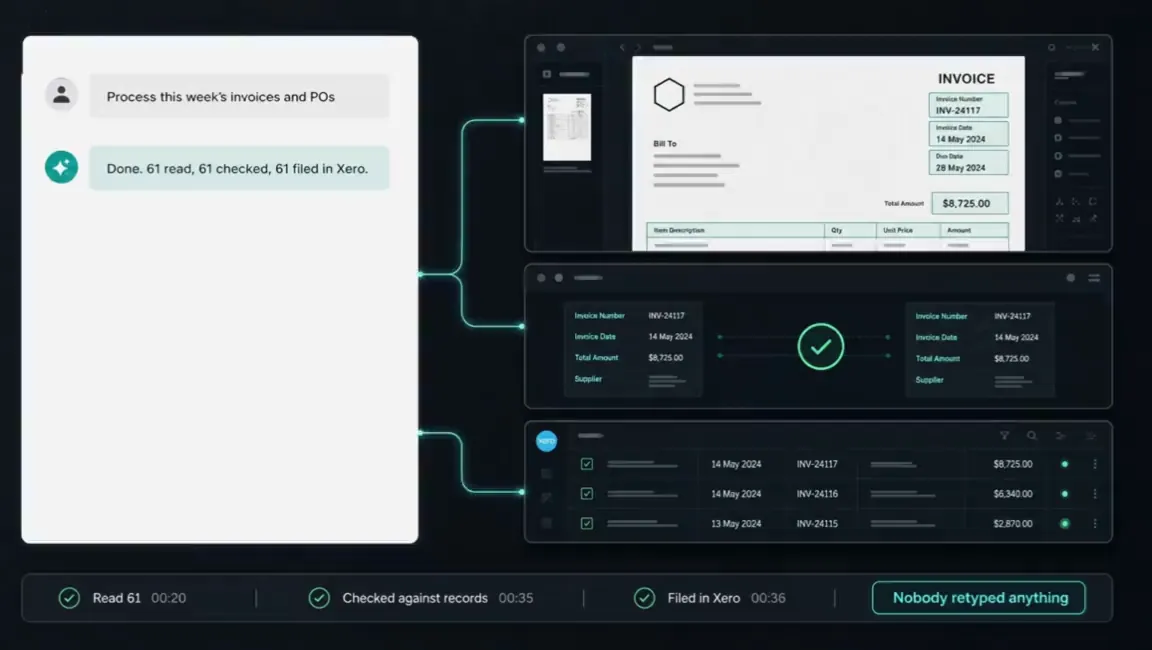
Getting paid is the end of a chain. What usually gets built alongside it is whatever produces the invoice in the first place.
Tell us the job. We will tell you the price.
Twenty minutes and a fixed quote in writing. You bring the brief and the brand. Everything after that is us.
Not ready to talk? Run your own numbers on fifteen free tools, no email asked.
Elsewhere on this site
Each service is its own page. Pricing, the FAQ, the Manchester company page, the free tools and the blog sit alongside them.
Services
- SEO automation
- Content production
- Social media automation
- Brand and video production
- Paid ads automation
- Email marketing automation
- Lead qualification
- CRM automation
- Outbound automation
- AI voice agents, outbound
- Proposals and quotes
- Inbound automation
- AI chat widget
- AI voice agents, inbound
- WhatsApp and SMS
- Document processing
- Invoicing and payment chasing
- Reporting and dashboards
- Scheduling and onboarding
- Recruitment and HR
- Website design and build
- Custom software and apps
- AI agent development
- System integration
- Knowledge base and search
- Your whole stack, inside Claude
- Team training and upskilling
- AI strategy and roadmap
- Support and maintenance
