Social media automation: planned, written, posted and answered
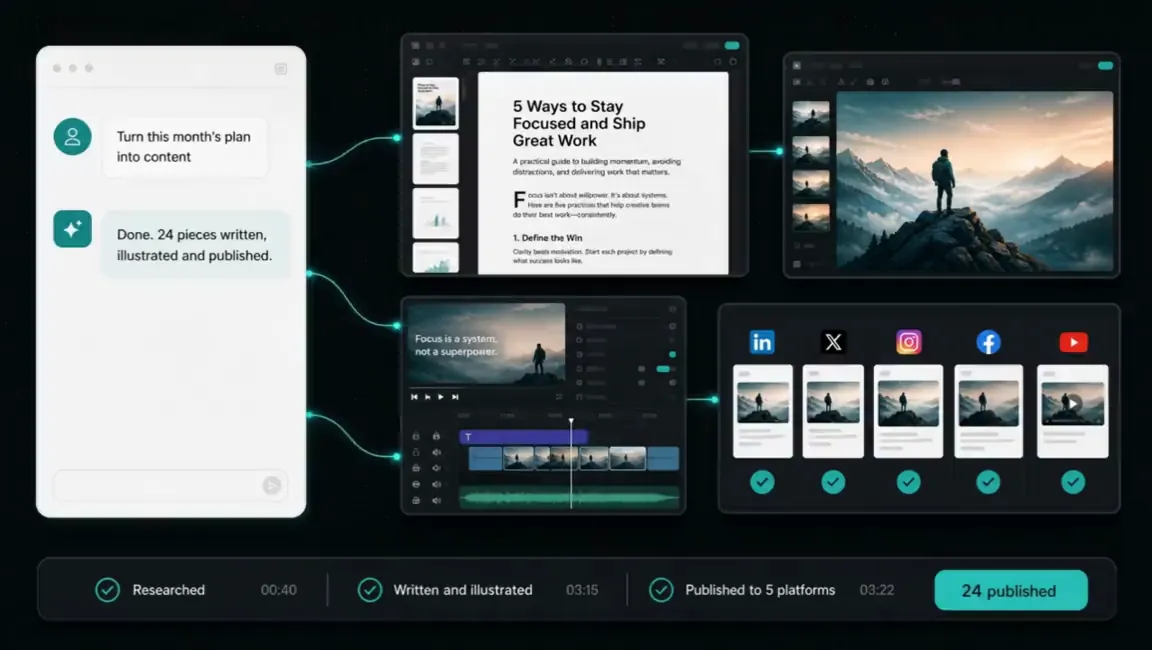
Every platform you run, planned, written, scheduled, posted and answered, without a social media team. You bring the brief and the brand. Everything after that is ours.
The whole channel, run for you
One monthly plan from you, then the channel runs. Six jobs, all of them ours.
- IdeationA month of angles from your calls, your inbox, your competitors and what your buyers search. You approve the plan.
- Written per platformOne idea, five shapes. The argument for LinkedIn, the sentence for X, the frame for Instagram, the clip for TikTok.
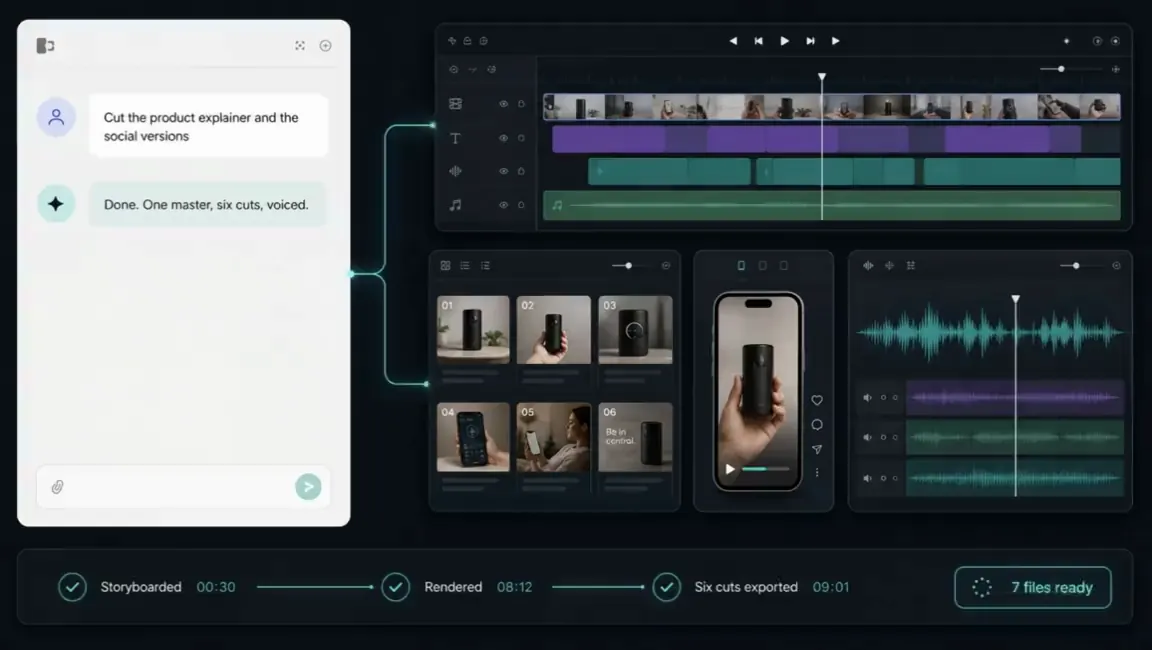
- Imagery and videoEvery post illustrated to brand. Vertical clips cut, captioned and hooked in the first second.
- Scheduled and publishedQueued into the slots each platform rewards and posted through your own accounts. A pause switch stops the lot in one message.
- Replies, in your voiceRoutine comments and messages answered on their own. A lead, a complaint or anything uncertain reaches you with the whole thread attached.
- Reported in numbers you can checkReach, engagement, clicks and leads per platform, monthly, against a baseline agreed on day one. Including what did not work.
Every platform you run, from one window
Each platform is connected to the queue through your own accounts, and to Claude, Codex or Grok if you would rather type a sentence and watch it go out everywhere. No dashboards, no logging into six tools.
- X
- TikTok
- YouTube


- Buffer
- OmniSocials
- Higgsfield
- Canva
- DaVinci Resolve
- ElevenLabs
- n8n
- Make
- Claude
- Codex
- Grok
- Slack


Best in class for each job, all of it running in your own accounts.
Where you stay in control
Four controls, each one yours to set. None of them slows the work down.
- The approval gate is a settingApprove everything in month one, nothing by month two, or anything in between. Moving it is a setting, not a rebuild.
- A pause switch, alwaysOne message stops the whole queue, so a cheerful post never lands on the morning of bad news.
- Your accounts, your followers, your dataEverything posts through your own logins. Nothing of ours to switch off if we ever stop working together.
- A fixed price, quoted firstThe build is quoted in writing before anything starts. Running it is monthly, thirty days' notice both ways, no minimum term.
The day-to-day, all of it automated
Fourteen jobs a specialist does by hand. The run does every one, on a schedule, inside the tools you already use. You see the results, not the work.
- Monthly social media calendar planned in advance
- Engaging posts written for each platform
- Eye catching images created to match brand style
- Short vertical videos edited for social feeds
- Posts scheduled for best engagement times
- Customer questions and comments answered every day
- Direct messages monitored and routed to your team
- Industry discussions monitored for comment opportunities
- Hashtags and location tags selected for reach
- Competitor social activity tracked and analysed monthly
- User content gathered and credited with permission
- Weekly engagement and follower growth reports delivered
- Helpful educational content balanced with promotional posts
- Outdated or broken profile links updated regularly
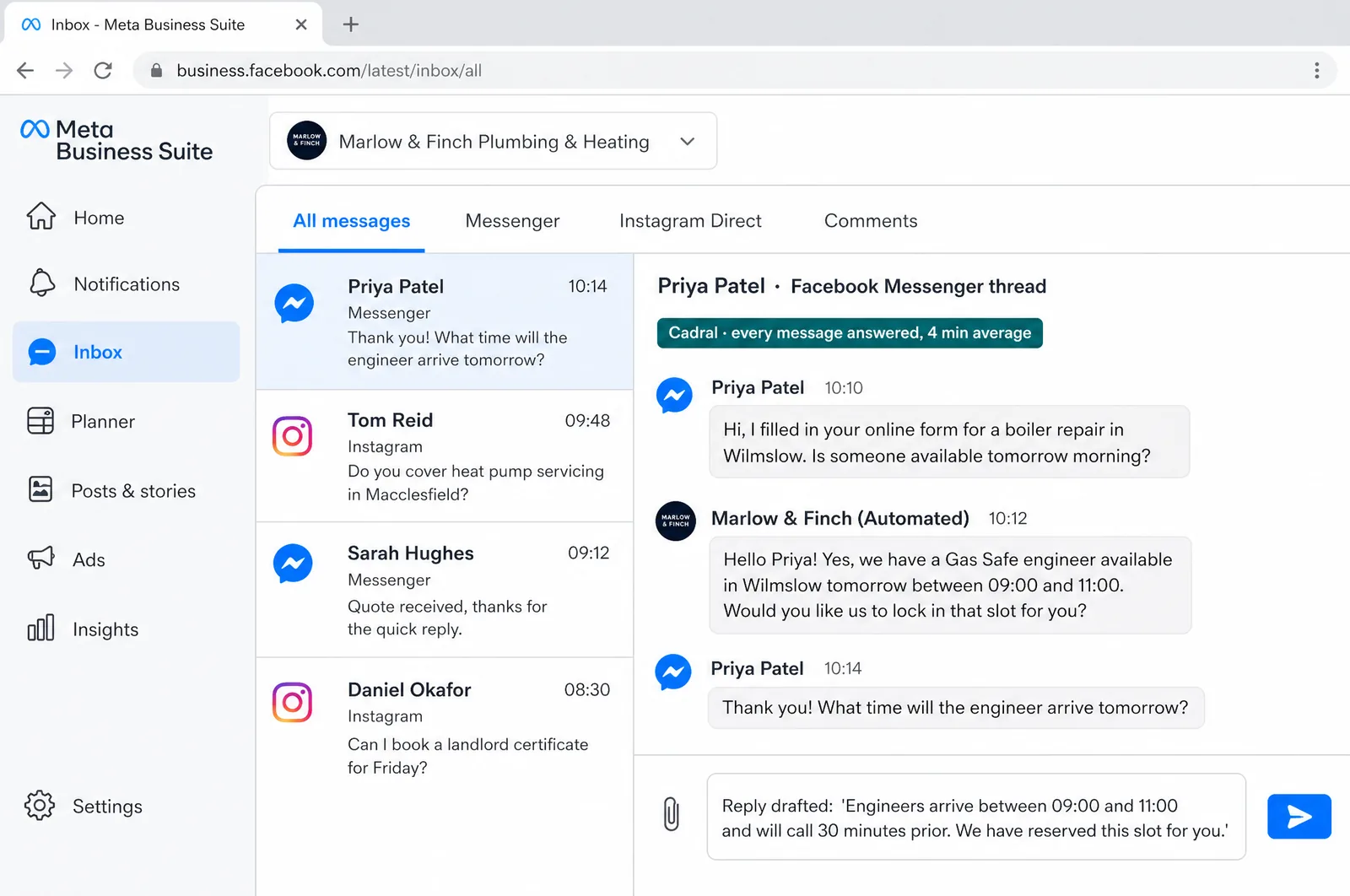
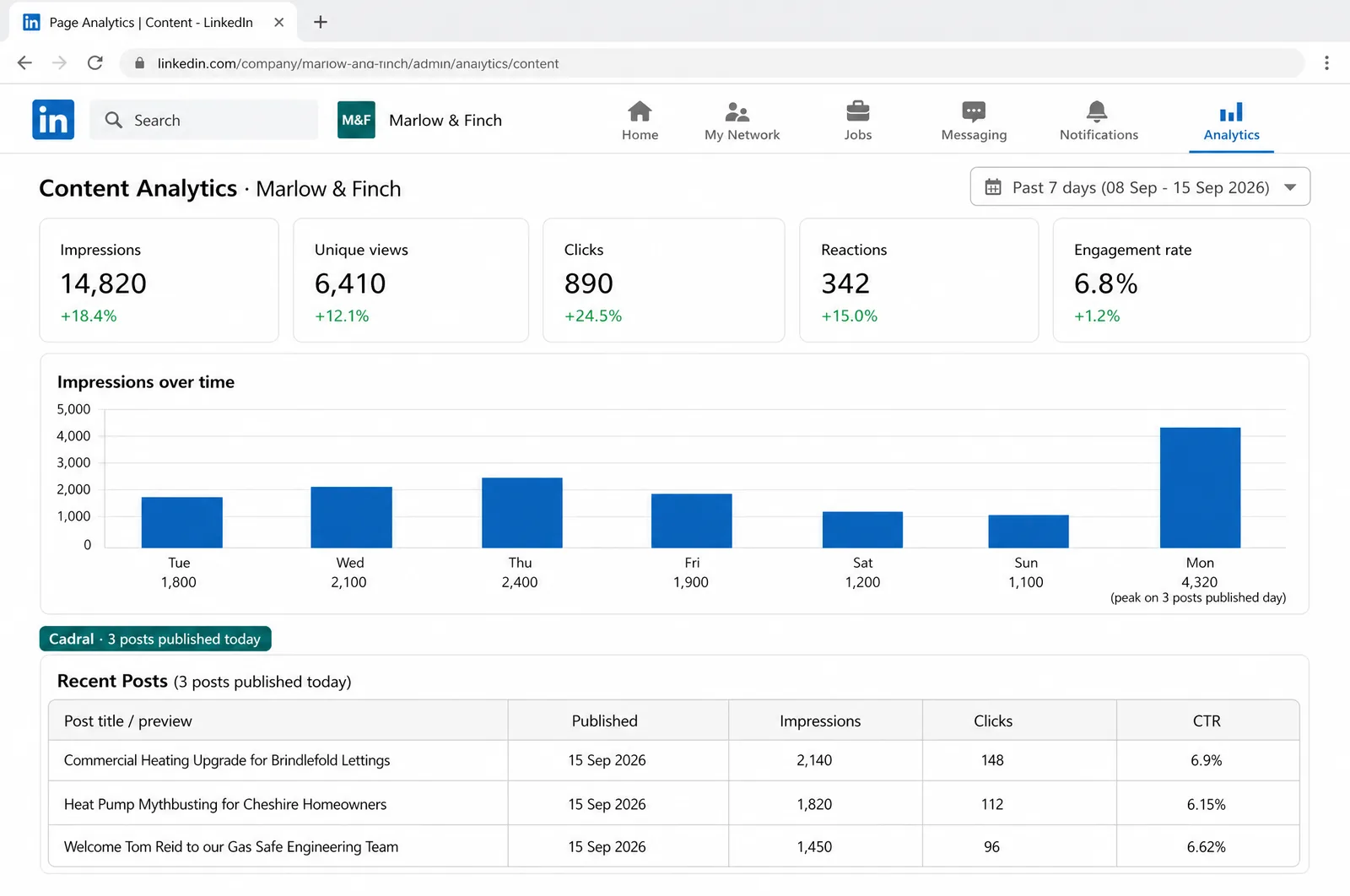
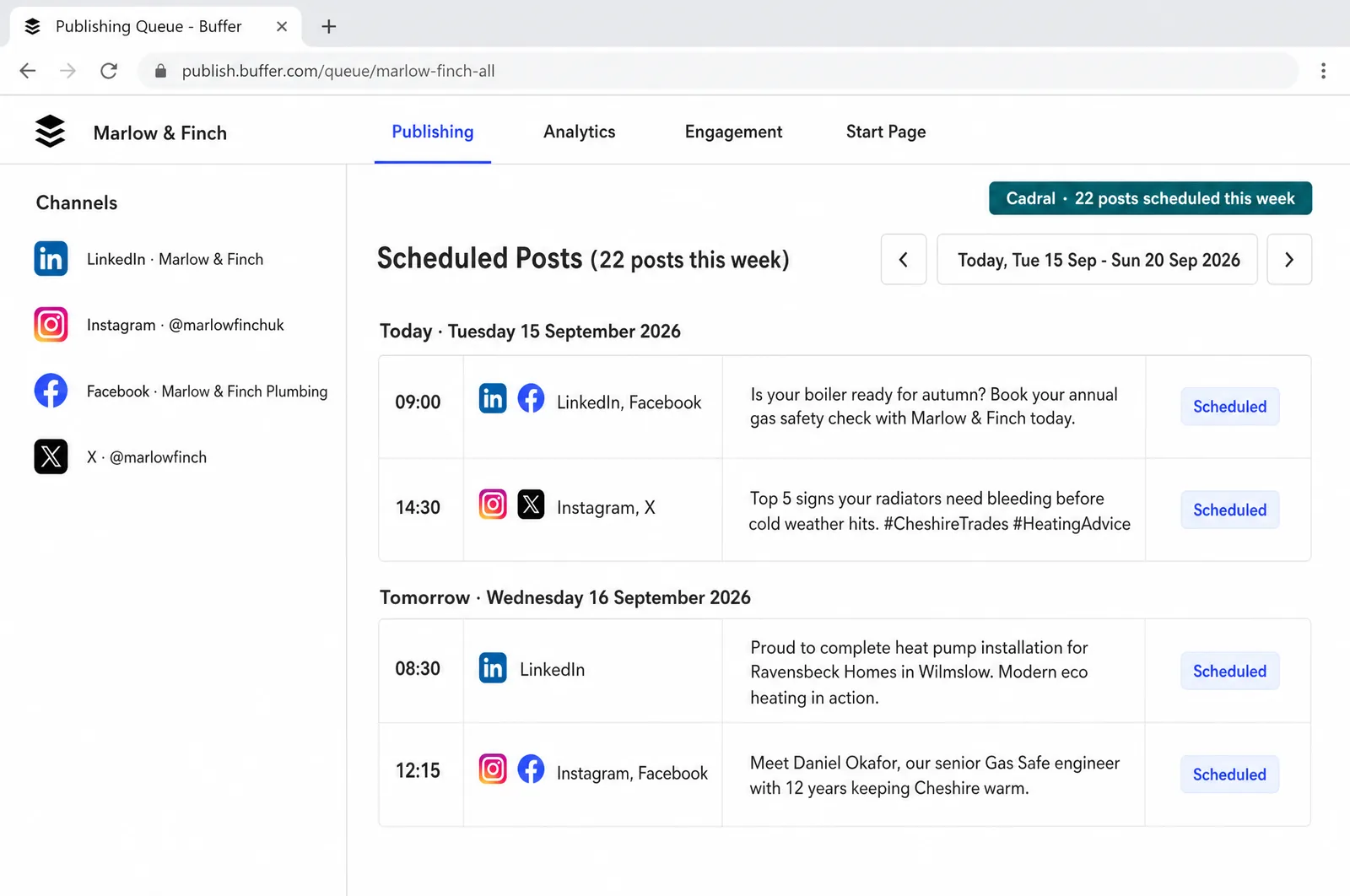
Illustrations of the tools in use, drawn for this page for an example business, Marlow & Finch. Every figure in them is an example, not a client's data, and any person in them is generated. Tap a picture to open it full size.
- BufferScheduling across every channel
- Meta Business SuiteFacebook and Instagram posts and inbox
- LinkedInCompany page posts and analytics
- HootsuiteMentions, comments and messages
- CanvaImages sized for each platform


The night shift
Nobody in the building. This is the job doing itself at eleven at night, and what you see in the morning.
Questions we get asked about this
- Will it write the posts, or just schedule them?
- Both, and everything between. It builds the angle from what your business already knows, writes each platform's version, illustrates it, queues it and posts it. Where you want an approval step, it goes in as a setting, and most clients loosen it after the first month.
- How much does it post?
- As much as your channels can use well, agreed on day one. A standing arrangement is typically a post a day on LinkedIn, three to five a week on Instagram, X and Facebook, and a weekly run of vertical clips, all from one monthly plan. The cadence changes when you say so, never because the queue ran dry.
- What about comments and messages?
- Answered, in your voice, with an escalation rule you set. Routine replies go out on their own. A complaint, a live lead or anything the system is not sure about reaches you with the whole thread attached, in Slack, WhatsApp or email.
- Does it post through our accounts or yours?
- Yours, always. Every platform is connected through your own logins, so the followers, the history and the data stay with you, and nothing of ours needs switching off if we ever stop working together. Access is granted on a call with you at the keyboard, so no password ever leaves your hands.
- What do you need from us?
- The brief and the brand: what you sell, who to, and how you sound. The access, which takes one call. Everything after that is us.
Got a question the list did not answer? Ask it on a call, or send us the brief and we will come back with a fixed price.
What usually gets built alongside it
Posting is distribution. These are the pages that make what it distributes.
Tell us the job. We will tell you the price.
Twenty minutes and a fixed quote in writing. You bring the brief and the brand. Everything after that is us.
Not ready to talk? Run your own numbers on fifteen free tools, no email asked.
Elsewhere on this site
Each service is its own page. Pricing, the FAQ, the Manchester company page, the free tools and the blog sit alongside them.
Services
- SEO automation
- Content production
- Social media automation
- Brand and video production
- Paid ads automation
- Email marketing automation
- Lead qualification
- CRM automation
- Outbound automation
- AI voice agents, outbound
- Proposals and quotes
- Inbound automation
- AI chat widget
- AI voice agents, inbound
- WhatsApp and SMS
- Document processing
- Invoicing and payment chasing
- Reporting and dashboards
- Scheduling and onboarding
- Recruitment and HR
- Website design and build
- Custom software and apps
- AI agent development
- System integration
- Knowledge base and search
- Your whole stack, inside Claude
- Team training and upskilling
- AI strategy and roadmap
- Support and maintenance
