AI training for employees, on your own systems
Your people trained on your own systems, leaving with automations running rather than notes. We design the programme, run every session and write the playbook. You bring the brief and the brand.
What your team walks out with
Six things, all of them ours to deliver. Taught on your systems, with your data, on the jobs your team does every week.
- Automations running, not notesEvery build week ends with a real job in your business automated, by your people, on your systems.
- A whole team that can ask wellWhat Claude, ChatGPT and n8n genuinely do, how to brief them, and where the wins in your week are. Non-technical by design.
- Two or three who can buildThe owners who make the next one and change the last one without ringing anyone.
- Your own playbookConventions and runbooks written into your wiki, in your terms, so the knowledge outlasts whoever leaves.
- A clinic every weekAn hour to unblock whatever someone attempted since last time. Real questions, fixed live.
- Sign-off with proofEach person finishes with something working they can explain end to end. That is the certificate.
Trained on the tools we build with
Best in class for each job, and the same set we use on client builds. Your team learns on the accounts they will keep using.
- Claude
- ChatGPT
- Gemini
- n8n
- Make
- Zapier
- MCP
- Sheets
- Notion
- Slack
- HubSpot
- Loom


Every session is recorded in Loom and filed with the playbook, so the person who joins next year can watch the build rather than read about it.
How the first month runs
Four steps, in the order they happen. The build week is where the capability transfers, and the rest is what makes it stick.
- Week oneMapWe sit with the people who do the work and pick the processes worth automating first.
- Week twoTeachThe half day, everyone in the room. What the tools do, how to ask, where the wins are.
- Weeks three and fourBuildTwo or three people build a real automation with us, on your systems. Running by Friday.
- Month two onwardKeep goingThe weekly clinic, the playbook kept current, and the next thing on the list.
The day-to-day, all of it automated
Fourteen jobs a specialist does by hand. The run does every one, on a schedule, inside the tools you already use. You see the results, not the work.
- Workflow bottlenecks identified in interactive staff workshops
- Custom AI instructions written and tested for staff
- Hands-on training delivered directly in your live workspace
- Standard operating procedures compiled into an online wiki
- Weekly drop-in clinics held to solve staff questions
- Team confidence measured and skill gaps systematically addressed
- Safe-use rules written for your team
- Time saved per employee tracked and reported monthly
- New team members onboarded with step-by-step training guides
- Departmental champion network established to drive internal adoption
- Template library updated with newly proven instructions
- Data rules taught so nothing leaks
- Repetitive task audit conducted across every operational role
- Executive briefing delivered on team automation milestones reached
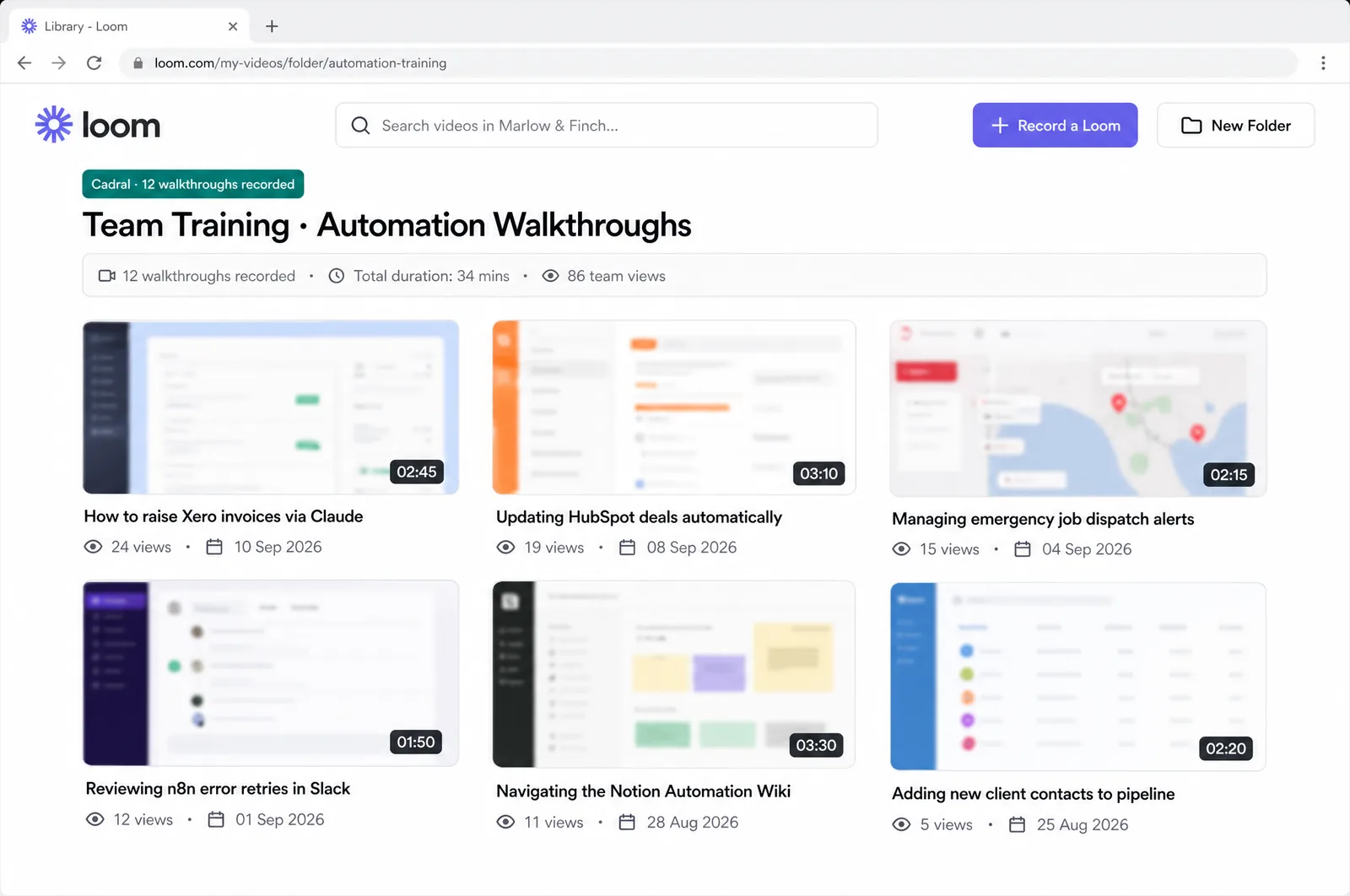
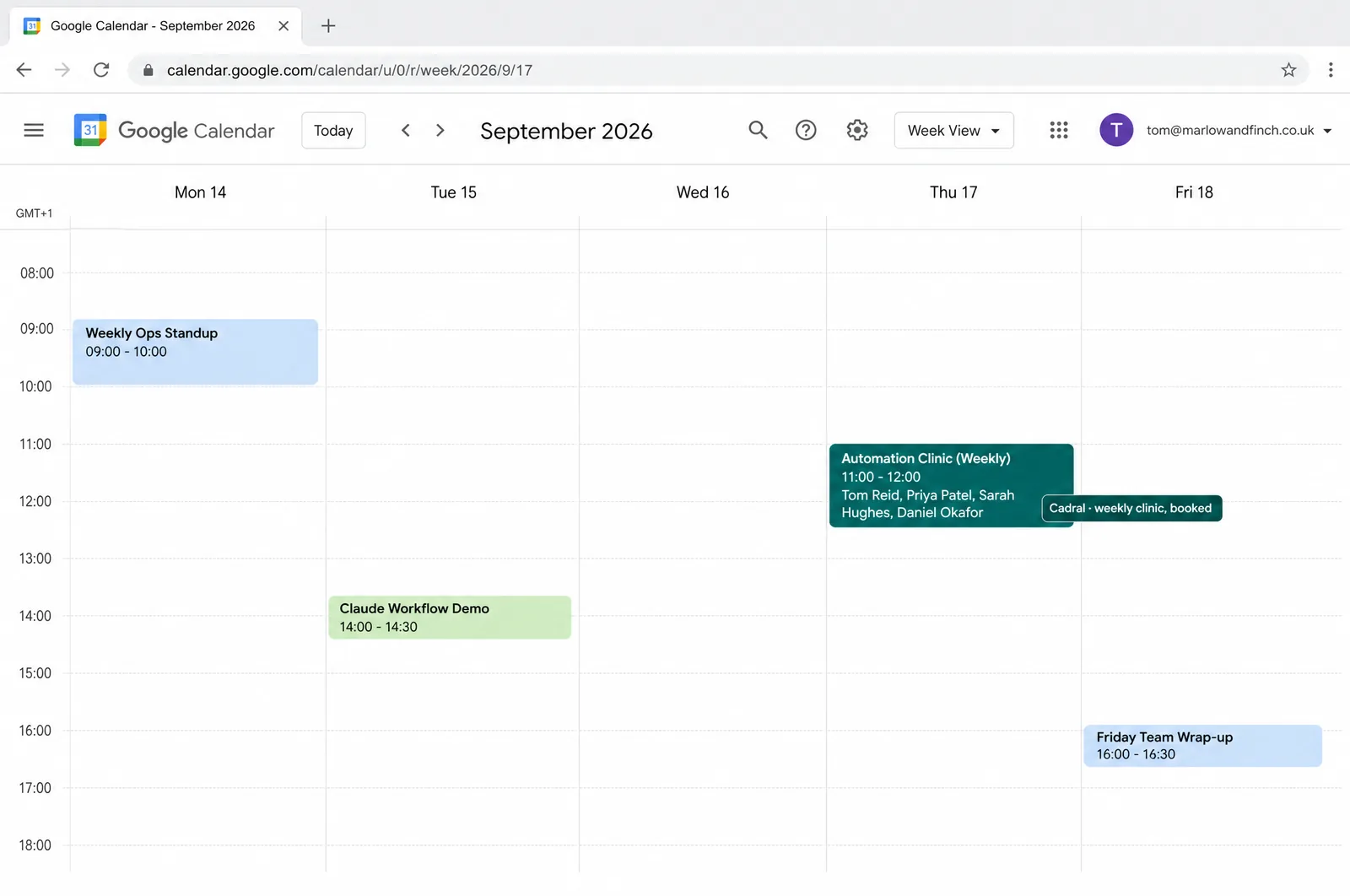
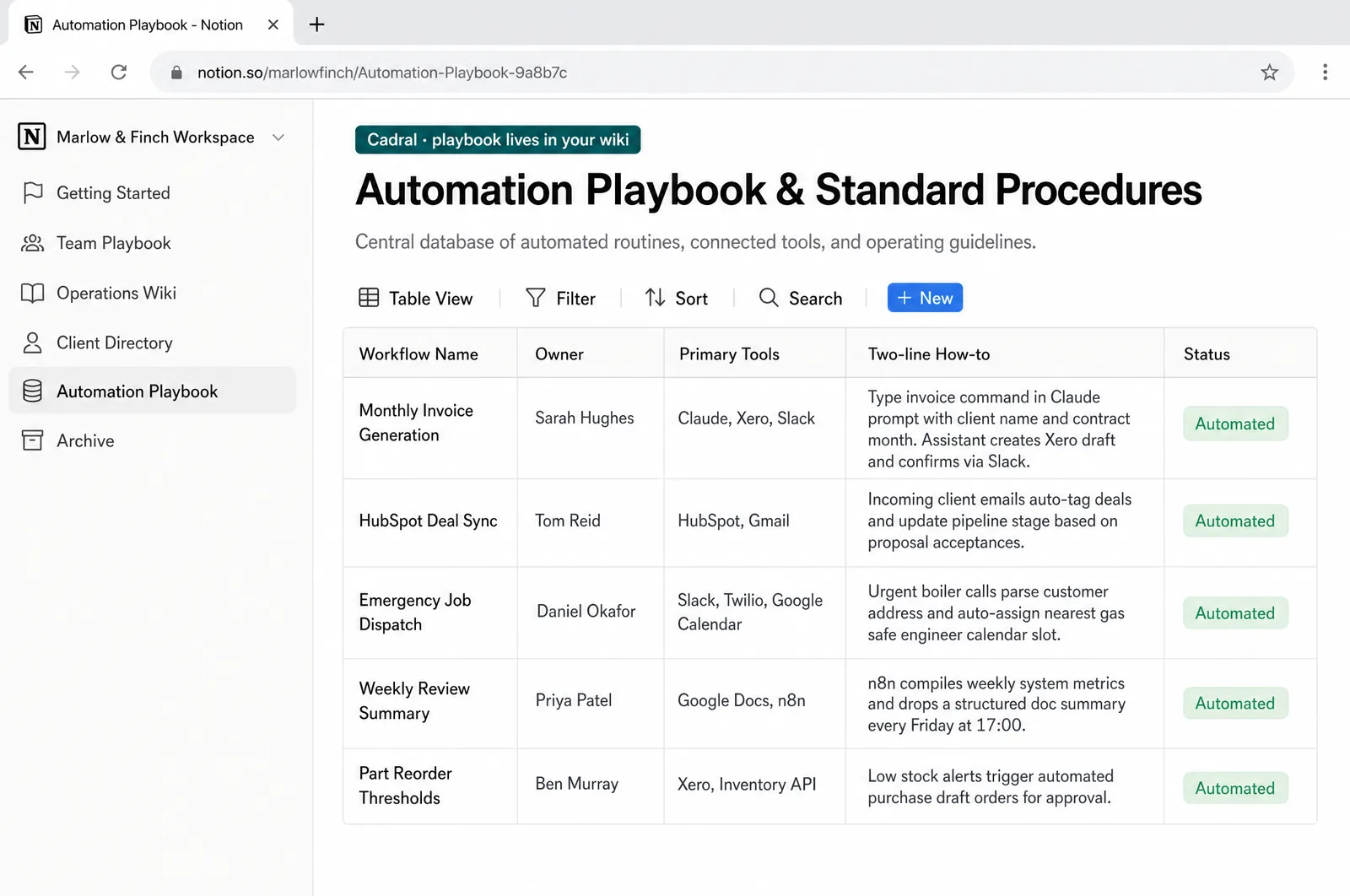
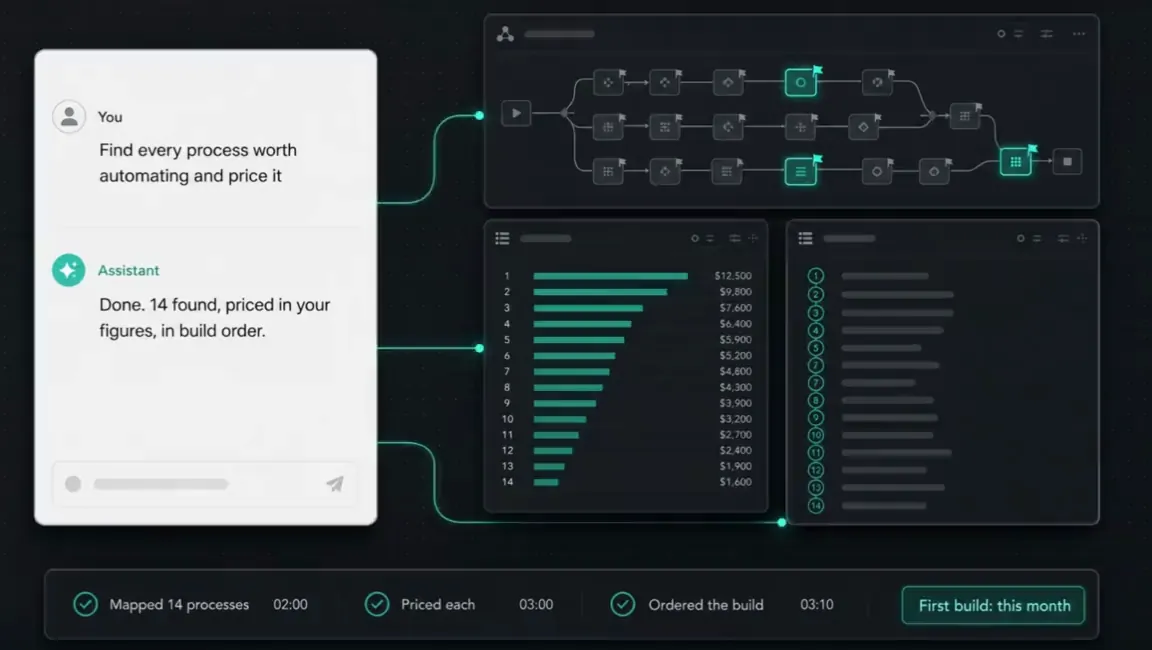
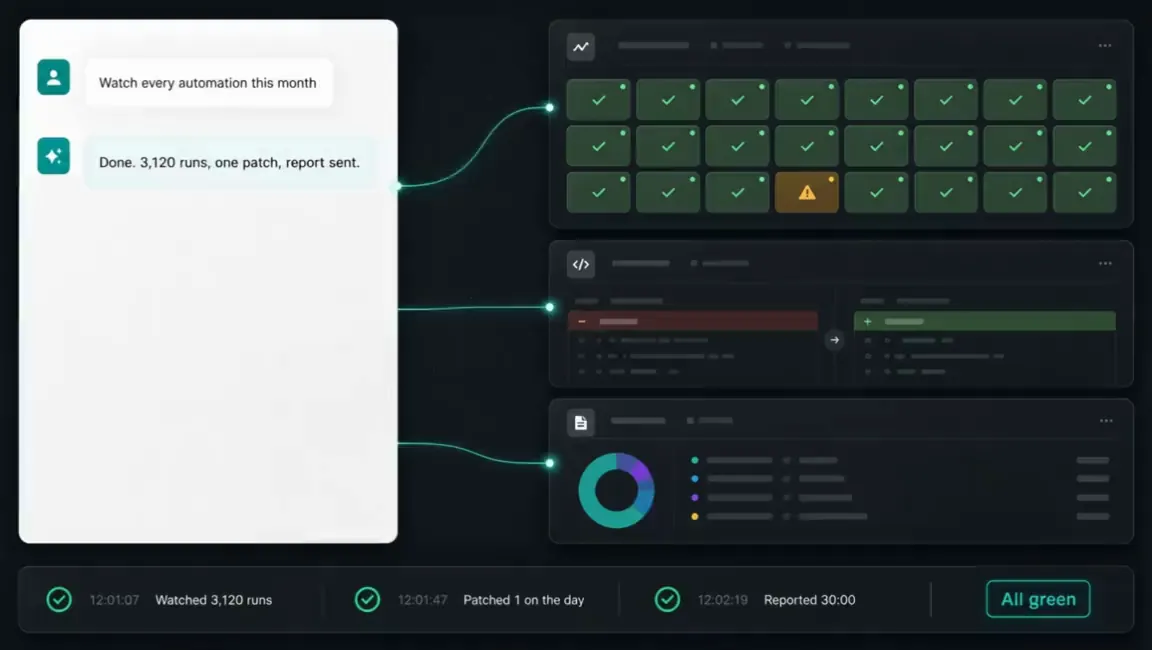
Illustrations of the tools in use, drawn for this page for an example business, Marlow & Finch. Every figure in them is an example, not a client's data, and any person in them is generated. Tap a picture to open it full size.
- NotionThe playbook, in your wiki
- LoomWalkthroughs your team rewatches
- Google CalendarThe weekly clinic
- MiroYour processes, mapped
- ClaudeWhat the team learns to run


The night shift
Nobody in the building. This is the job doing itself at eleven at night, and what you see in the morning.

Questions we get asked about this
- Is this a course we buy seats on?
- It is built for you, not bought off a shelf. It runs on your systems, with your data, building the things your team actually needs. When the automation built in the room is the invoice chase your team does on Fridays, it gets used on Friday.
- Our team are not technical.
- They do not need to be. Most of the useful capability now needs no code, and the real skills are spotting which parts of the week are rule-following and describing them precisely. The people who do the process by hand are usually the best in the room.
- Who should we put in the room?
- The person who does the process by hand today, plus the two or three who will own the automations. The first knows where the exceptions live. The second group becomes the people the rest of the team asks. We help you pick them on the first call.
- What does it cost, and what do we keep?
- A fixed price for the programme, quoted before anything starts. Everything built during it runs in your own accounts, under your own name, so there is nothing of ours to keep paying for afterwards.
- What do you need from us?
- The brief, the brand and the access: what you want your team able to do, how you sound and work so what they build fits, and a login to the systems they will build on. Everything after that is us.
Got a question the list did not answer? Ask it on a call, or send us the brief and we will come back with a fixed price.
What usually gets built alongside it
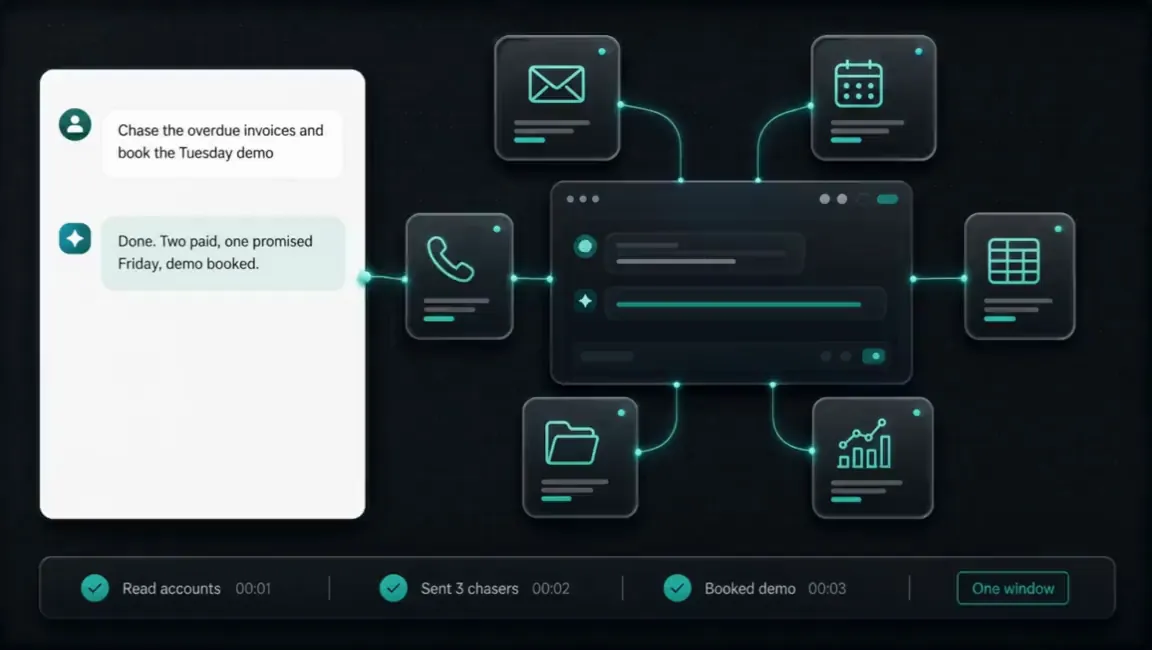
Training lands best on a system your team already uses. These are the builds it usually follows.
Tell us the job. We will tell you the price.
Twenty minutes and a fixed quote in writing. You bring the brief and the brand. Everything after that is us.
Not ready to talk? Run your own numbers on fifteen free tools, no email asked.
Elsewhere on this site
Each service is its own page. Pricing, the FAQ, the Manchester company page, the free tools and the blog sit alongside them.
Services
- SEO automation
- Content production
- Social media automation
- Brand and video production
- Paid ads automation
- Email marketing automation
- Lead qualification
- CRM automation
- Outbound automation
- AI voice agents, outbound
- Proposals and quotes
- Inbound automation
- AI chat widget
- AI voice agents, inbound
- WhatsApp and SMS
- Document processing
- Invoicing and payment chasing
- Reporting and dashboards
- Scheduling and onboarding
- Recruitment and HR
- Website design and build
- Custom software and apps
- AI agent development
- System integration
- Knowledge base and search
- Your whole stack, inside Claude
- Team training and upskilling
- AI strategy and roadmap
- Support and maintenance
